
As we all know, Starlink itself has no built -in battery; it requires a continuous external power source to operate. The standard version is designed for homes, fixed campsites, and large RVs. The Mini version is suitable for outdoor hiking, backpacking, digital nomads needing emergency connectivity, and similar scenarios
it is small and light enough to fit in a backpack, but it also needs an external battery to run. Therefore, besides choosing the right size of Starlink, selecting the right power supply is equally important, almost a parallel concern. Based on real world feedback from community members and rigorous technical specifications, this article provides an in depth analysis of the aspects related to powering Starlink.
Non-negotiable basics for Starlink Mini
To have stable satellite internet on the go, you must respect these fundamental characteristics of Starlink:
1. Power requirements
Although Starlink Mini’s official specs say 20W~40W, its instantaneous peak power when starting up and searching for satellites can reach 60W or even 70W. According to official data, Starlink Mini supports 12V to 48V DC input. However, many users simply compare against its rated power when buying a power station, and end up unable to start the device. That is because the power supply they use has a limited peak output -only 45W or 65W. When Starlink tries to start, it exceeds the peak limit, the power supply trips into overcurrent protection and cuts output, causing Starlink to restart repeatedly or even damaging internal components.
2. Cable restrictions
Starlink also has high requirements for cables. Not just any USB‑C to DC cable can power Starlink Mini. The cable used to charge Starlink must be the original one or a certified equivalent. If you use a cheap, thin cable, it will heat up severely under high current, potentially causing a fire. Not only will it fail to drive the device, but it is also dangerous.
Starlink Mini itself does not implement a PD handshake protocol. Therefore, when you try to charge Starlink via the power supply’s USB-C port, the cable must contain a high-quality PD trigger chip, and the cable itself must be able to stably carry more than 3A of current.
The so-called PD handshake protocol is officially called USB PD protocol communication. It is a set of communication rules between the charger and the device, designed to provide higher charging power and speed to meet the demands of modern electronic devices for fast charging.
The PD trigger chip is called a PD sink chip. It is a protocol control chip installed on the powered device side. It communicates with the PD charger, actively requests and “tricks” the charger into outputting the specific voltage required by the device, thereby enabling high‑power delivery.
So, if you want to power Starlink Mini via USB-C, you must buy a cable with an E-Mark chip + PD trigger protocol, so that the charger outputs the correct voltage of 20V.
3. Real-world power consumption
Few people pay attention to this point. Apart from the peak at startup, the normal operating consumption of Starlink Mini is typically between 25W and 40W. However, it does fluctuate. On sunny days with good signal and proper elevation angle, consumption is lower, around 25–30W. But in bad weather, or when the signal is heavily obstructed and the device needs to frequently re‑acquire satellites, consumption can spike above 50W. If you calculate battery capacity based on the lowest possible consumption, you will find that it cannot last as long as you expected. Many tech bloggers, RV camping enthusiasts, and professional institutions have conducted in‑depth tests of Starlink’s power consumption under different scenarios, confirming this behavior.
| Scenario | Hardware State / Mechanism | Actual Power Consumption |
| Sunny, good signal, no obstruction | Normal networking, low traffic or idle state. | 25W – 40W |
| Bad weather, heavy rain or snow | Rain fade compensation or automatic snow melt activated; antenna forcibly increases transmit power at high frequency. | 50W – 130W+ |
| Heavy obstruction, frequent satellite re‑acquisition | Antenna loses the last few dB during satellite handover; internal phased‑array algorithm runs at full load; frequent background retries. | 50W – 75W+ |
Choosing a power supply method
Power supply options
1. Power bank
To be honest, most ordinary power banks cannot drive Starlink Mini at all. Even those labeled 65W PD output -few can actually deliver a stable 20V/5A. If you choose to buy one, you must confirm that it supports 100W PD output (20V/5A), and preferably it should be GaN-based for better heat control.
2. Portable power station
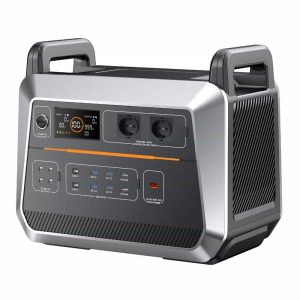
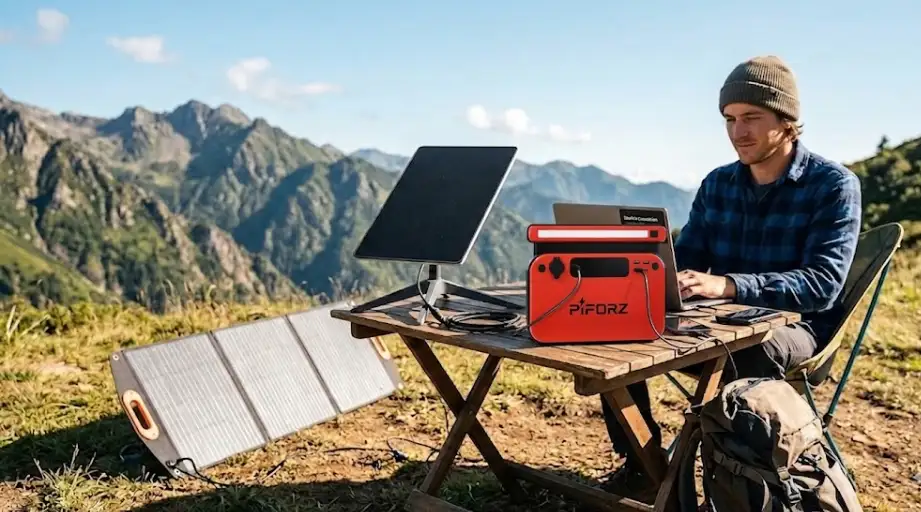
Carrying a lightweight Starlink Mini along with a portable power station is the most common and relatively reliable option. Portable power stations generally come with an AC output port, so you can simply use Starlink Mini’s own charger directly. If you worry about running out of power, you can add a solar panel. With a well‑chosen power station, charging and discharging simultaneously is not a problem.
The process is: portable power station → converts DC battery power to AC (household) → Starlink’s original charger converts AC back to DC → powers Starlink Mini.
3. Using a vehicle’s electrical system
Another method is to use the vehicle’s electrical system. Buy an official car charger accessory. Plug one end into the vehicle’s 12V cigarette lighter socket and connect the other end to Starlink Mini. This works, provided you have a car.
4. Direct DC charging
Direct DC charging eliminates the steps of converting DC to AC and then back to DC, allowing power to go directly from the battery to the device. This is more efficient and has lower losses. This method is of course the best, but the challenge is that in the field you cannot easily find a direct DC charging source. It requires a suitable power source and a matching adapter cable – not all devices come standard with such an interface.
Runtime
Having a power supply is not enough; you also need to know how long it will last.
Power banks are not worth discussing -sometimes they cannot even drive the device, let alone provide runtime.
If you have a car, you don’t need to worry too much, because as long as the car has fuel, you have internet.
So, we mainly need to look at how long a portable power station can last. Take the Piforz PF500 as an example: it has a capacity of 518Wh (19.2V 27Ah / 162,000mAh).
If it is only powering Starlink Mini: 518Wh × 0.85 ÷ 40W ≈ 11 hours.
If you also need to charge a laptop at the same time, runtime will drop significantly. Take a MacBook Pro at 60W, total power draw 100W: 518Wh × 0.85 ÷ 100W ≈ 4.4 hours.
This is why many people on Reddit suggest that if you are working outdoors, you must buy a larger capacity power station -otherwise you will watch both devices shut down at the same time. Because many people buy Starlink precisely for outdoor office work, the portable power station needs to power not only Starlink Mini but also a laptop. Choose the battery carefully and ensure it is large enough.
Real needs of Reddit users
After observation and feedback, here are several core pain points that users frequently discuss after actual use:
1. Capacity anxiety
Many people start by thinking they only need to power Starlink Mini and buy a relatively small capacity, around 300Wh. But after a few uses, they regret it. In the field, many factors–weather, signal conditions, etc. Cause the Mini’s actual power consumption to be higher than expected. Therefore, if conditions allow, buy a larger capacity.
2. Airline restrictions
Several people on Reddit have shared experiences of being stopped at airport security. Most airlines limit lithium‑battery capacity in carry‑on luggage to 160Wh or less. Starlink Mini itself is small and easy to carry, but the battery is much more troublesome. If it exceeds the limit, you cannot carry it on board or check it. However, there are ways around it: you can prepare UN38.3 certification and a safety data sheet in advance, allowing the power station to be shipped as cargo. The IATA Dangerous Goods Regulations state that large lithium batteries above 160Wh can be transported as cargo, subject to special declaration and approval. It is advisable to prepare the relevant documents in advance to avoid trouble.
3. Solar recharging
Combining a portable power station with a solar panel is an excellent setup. If the power station runs low, you can recharge it outdoors with solar; when there is no sun, you can rely on the battery reserve to keep supplying power.
What is the best portable power station for Starlink Mini?
There are many portable power stations on the market, but not many are suitable for Starlink Mini. To find the best match for Starlink Mini, you need to look at many factors–battery capacity is one, but output characteristics are equally important.
To power Starlink Mini, a portable power station must at least meet the minimum requirement of 100W (20V/5A) USB‑PD protocol or DC power supply.
Three common outdoor scenarios
The choice of capacity depends on different use cases.
Scenario 1: Short outdoor work sessions
For just a short time outdoors, lightweight matters more. Enough to support Starlink for 3–6 hours is sufficient.
An entry‑level, lightweight portable power station is enough. For example, EcoFlow River 2, Bluetti EB3A, Piforz PF500 these are safe choices.
Scenario 2: Multi-day camping
If you are going off‑grid for several days, the power station must not only satisfy Starlink Mini but also charge your laptop, and the power must last two or three days. In this case, you need a larger capacity. A power station around 1000Wh is recommended, and if possible, bring a solar panel as well.
Scenario 3: Remote work
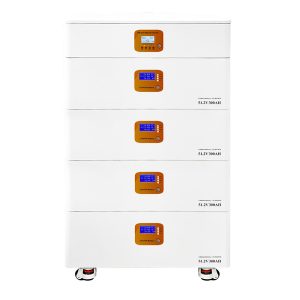
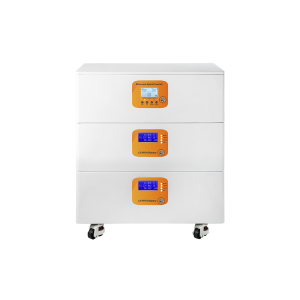
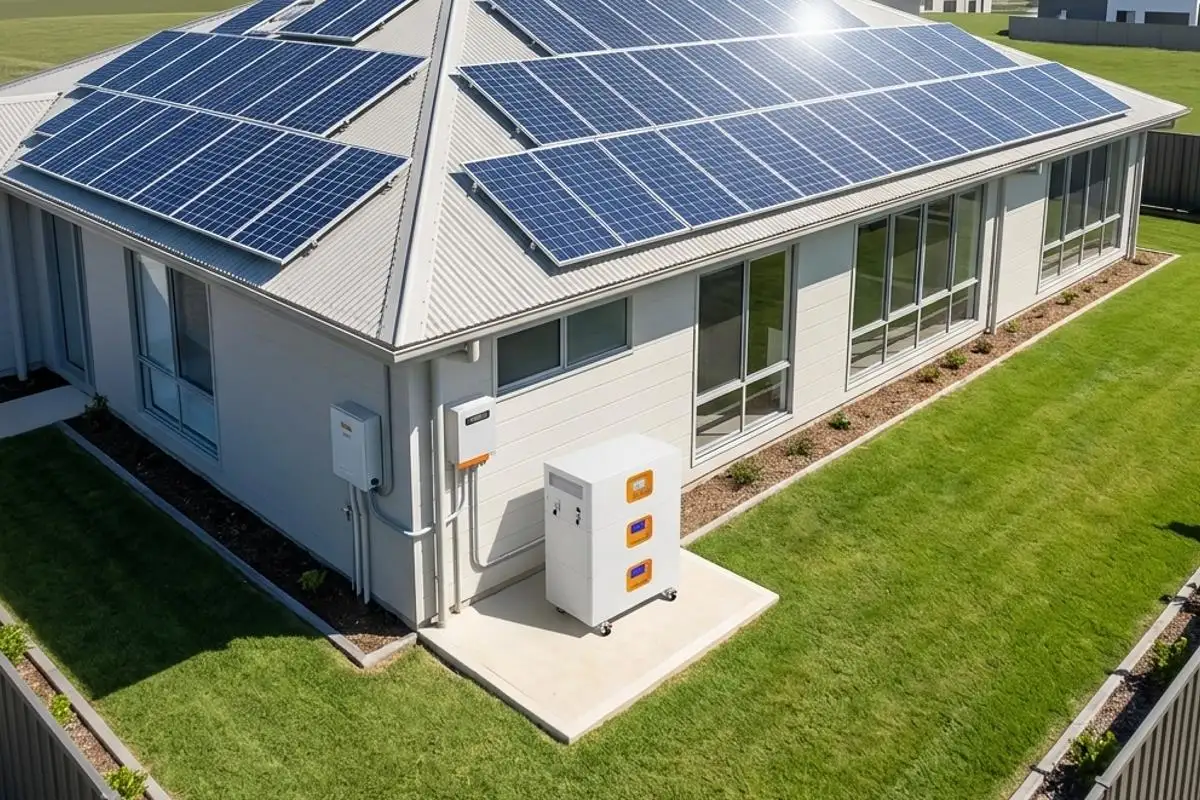
For remote work, or if you are at home and suddenly have a power outage, in such scenarios weight and size are not the primary concerns; capacity and stability come first. A home energy storage system would be better, or consider a solar + battery bank solution.
Anti-failure operating guidelines
- Below are guidelines compiled from community feedback -every point reflects a real mistake someone has made:Check output parameters before buying a power station: Can it stably output 20V/5A? Is the AC output pure sine wave? What is the voltage/current range of the DC port?
- Don’t skimp on cables: You must buy a USB‑C cable that supports 100W PD and has an E‑Marker chip. For DC cables, insist on original ones; never buy cheap third‑party cables.
- Pay attention to heat dissipation outdoors: The Mini generates heat while working, and the portable power station also gets hot during inverter operation. In direct summer sunlight, if you stack the two devices together, temperatures can quickly exceed 50°C. Keep them separated to allow airflow.
- Pre‑warm in low‑temperature environments: If using in sub‑zero snowy conditions or at high altitude, battery discharge efficiency drops noticeably. Experienced users put the power station in a sleeping bag or tent to warm it up a bit before turning it on.
- Prepare documents for air travel: If you need to fly with a large‑capacity power station, be sure to print the UN38.3 test report and product safety data sheet in advance. Show them proactively during security screening – don’t wait to be asked.
Test before you leave: If you are unsure and worried about unreliable data, run a full test at home a few days before departure. From startup and satellite acquisition to stable operation, connect all the devices you plan to use and see how many hours it actually lasts. Don’t blindly trust the manufacturer’s claimed runtime – your own test results are the most reliable.